FreeBSD: Simple reverse split tunneling with setfib
Introduction
A common split tunneling setup keeps the normal network as the default path and sends only selected traffic through the VPN.
Reverse split tunneling is the opposite.
The system becomes effectively VPN-first, while selected applications bypass the tunnel through the normal network.
On FreeBSD, one of the simplest ways to do this is with multiple FIB and setfib.
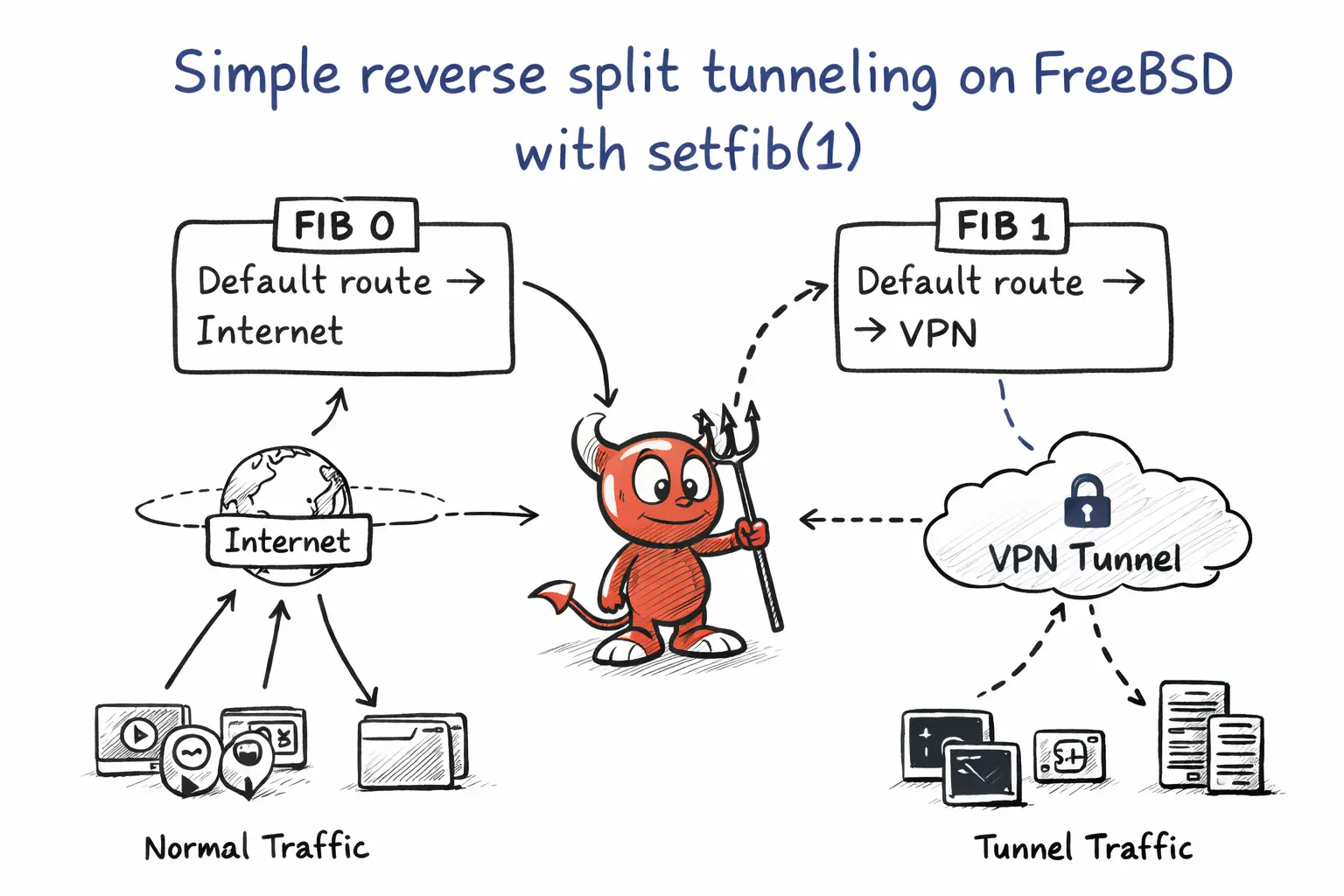
A FIB is an independent routing table. By keeping the VPN-oriented routing in the default FIB and preserving the normal gateway in another one, I can choose which processes bypass the tunnel simply by starting them with setfib(1).
This gives a clean and simple form of reverse split tunneling:
- Regular system traffic goes through the VPN
- Selected applications bybass the VPN
- Routing stays simple and explicit
For detailed information and more options, check FreeBSD man pages.
What setfib(1) does?
setfib(1) runs a command using another routing table.
Sockets opened by that process inherit the selected FIB.
For example, if my non-VPN routes live in FIB 1:
$ setfib 1 chromiumStarts chromium without the VPN tunnel.
How it works?
Your real routing layout does not look like this:
FIB 0: default -> wg0
FIB 1: default -> clearnet
That would be an oversimplification.
A more accurate reverse split setup on FreeBSD with WireGuard often looks like this instead:
FIB 0:
  default                -> normal gateway
  VPN endpoint host route-> normal gateway
  0.0.0.0/1              -> wg0
  128.0.0.0/1            -> wg0
FIB 1:
  default                -> normal gateway
In other words, the main routing table keeps just enough normal routing for the tunnel itself to stay reachable, while almost all ordinary traffic is captured by two half-default routes through wg0.
That is exactly what reverse split tunneling needs:
- Ordinary traffic uses the VPN in the default routing view
- the WireGuard peer remains reachable outside the tunnel
- Selected applications can bypass the VPN by running under another FIB
In my case, the tables looked like this:
FIB 0:
  0.0.0.0/1      -> wg0
  128.0.0.0/1    -> wg0
  default        -> 10.0.0.1 via wifibox0
  <vpn-ip>       -> 10.0.0.1 via wifibox0
FIB 1:
  default        -> 10.0.0.1 via wifibox0
So even though FIB 0 still had a normal default route, the two /1 routes were more specific and therefore won for almost all IPv4 traffic. The host route for the VPN endpoint stayed outside the tunnel, which prevented the tunnel from trying to route itself through itself.
Enabling multiple FIBs
FreeBSD needs to know in advance how many routing tables it should provide. For a simple setup, two FIBs are enough: one for the VPN view and one for the normal network view.
Add this to /boot/loader.conf:
net.fibs="2"Then reboot the system.
After rebooting, confirm it.
$ sysctl net.fibsPreparing the idea before changing routes
Before moving the default system traffic into the VPN, identify your current normal gateway.
For example:
$ netstat -rnYou should note your regular default route, something like:
default 10.0.0.1That gateway is what FIB 1 will use as the non-VPN path.
Creating the clearnet FIB
Add your regular default route to FIB 1:
$ doas setfib 1 route add default 10.0.0.1Then confirm it:
$ setfib 1 netstat -rnYou should see something similar to:
Internet:
Destination Gateway  Flags Netif
default     10.0.0.1 UGS   wifibox0
Now FIB 1 has a normal internet route, while the default FIB remains VPN-first.
Testing route selection
Compare route lookups between the FIBs.
Default FIB:
$ route -n get 1.1.1.1This should prefer wg0.
FIB 1:
$ setfib 1 route -n get 1.1.1.1This should use the normal gateway instead:
gateway: 10.0.0.1
interface: wifibox0
Notes
This setup only changes which routing table a process uses.
It is not a sandbox or a firewall replacement.
Also remember to think about IPv6 and DNS separately if stricter separation is required.
Conclusion
The resulting model is straightforward:
Default system traffic -> VPN
Selected applications -> clearnet
And the interface stays minimal:
$ setfib 1 <command>A very simple and minimal form of reverse split tunneling on FreeBSD.